The best AI platform for IT operations use cases
A Troubleshooting Agent and a Ticket Routing Agent behind one app — for the L1 questions that eat your IT team’s day.
The IT blueprint applies the same App → Agent pattern as every other Botmanor workload — one app your employees talk to, with specialist agents behind it handling the repetitive front line of IT support.
Two agents: a Troubleshooting Agent for common issues and a Ticket Routing Agent for everything that needs to become a real ticket, with routing configuration between them and a knowledge base you populate with your own runbooks and known-issue guides.
The IT Help Desk blueprint
A blueprint is the shape we recommend for it & operations, assembled from Botmanor primitives — not a pre-built template Botmanor installs for you. Botmanor does not ship a per-industry template catalogue; templates are workspace entities you create and can publish to the store.
What the IT Help Desk blueprint looks like
One app backed by two specialist agents — Troubleshooting and Ticket Routing — with a knowledge base holding your runbooks, known-issue documentation, and password-reset or VPN guides. That is the front line of the L1 queue, and it is the part that most rewards being answered consistently.
Bucket-based organisation groups related apps and agents hierarchically, so an IT help desk, a facilities bot, and a security-questions bot can live in the same workspace without turning into an undifferentiated list.
A tool surface that is governed before it is used
IT is where “agents that take actions” gets serious fast, so Botmanor ships the governance layer first. The MCP registry holds your workspace’s Model Context Protocol connections: register a server and Botmanor tracks its connection status, runs a connection test on demand, and discovers the tools and resources it exposes, with a refresh when the server’s surface changes. Policy definitions classify each tool by risk level — low, medium, high — so the argument about whether the help-desk bot should be able to reset a production credential happens in the open.
That catalogue is the artefact worth having early. Instead of tool access being a side effect of whatever a developer pasted into a config file, your workspace has a reviewable list: these servers, these tools, this status, this risk level. Invoking those tools inside a live conversation lands with the agent runtime upgrade — what you build now is the vetted inventory that runtime will obey.
Every run is logged, not a black box
Every execution is recorded: which agent version handled the message, which model ran, the full input and output, tokens, computed cost, duration, and status — with conversation history stored centrally and an audit trail over configuration changes. For an IT function that already has to answer “why did the bot say that”, the execution ledger is the answer.
Model selection is per agent too, so a more capable model can sit behind Troubleshooting for nuanced diagnostics while Ticket Routing runs on a lighter, cheaper one — each change published as a version you can roll back.
Deployed where your team already works
Channel connectors and routes carry the app to Slack, Microsoft Teams, Discord, WhatsApp, and inbound webhooks — the places IT questions already show up — from the same workspace that enforces RBAC and keeps an audit trail over every app, agent, and knowledge base. Inbound messages are acknowledged instantly while the agent runs in the background. The embeddable web chat widget is modelled as a channel type but is not shipped yet.
On Botmanor vs. building it from scratch
| Aspect | On Botmanor | From scratch |
|---|---|---|
| Getting to a working help desk | App, agent, routing, and knowledge-base primitives in a workspace with RBAC, audit, and billing already wired in. | You build tenancy, permissions, and an execution ledger before the first L1 question is deflected. |
| Specialist agents | Troubleshooting and Ticket Routing agents as versioned entities with publish, changelog, and rollback. | Prompts are edited in place, so a change that breaks diagnostics is invisible until someone complains. |
| Tool governance | An MCP registry with connection tests, tool discovery, and risk classification — a reviewable inventory before anything can be invoked. | Tool access is whatever ended up in a config file, with no inventory and no risk review. |
| Execution visibility | Every run records the agent version, model, input, output, tokens, cost, duration, and status from day one. | You instrument logging and audit yourself before behaviour is inspectable at all. |
| Knowledge base | Per-KB vector collections with an explicit index lifecycle and semantic search to prove your runbooks are retrievable. | You build ingestion, embedding, and evaluation before any agent can reference a runbook. |
IT & Operations FAQ
Related use cases
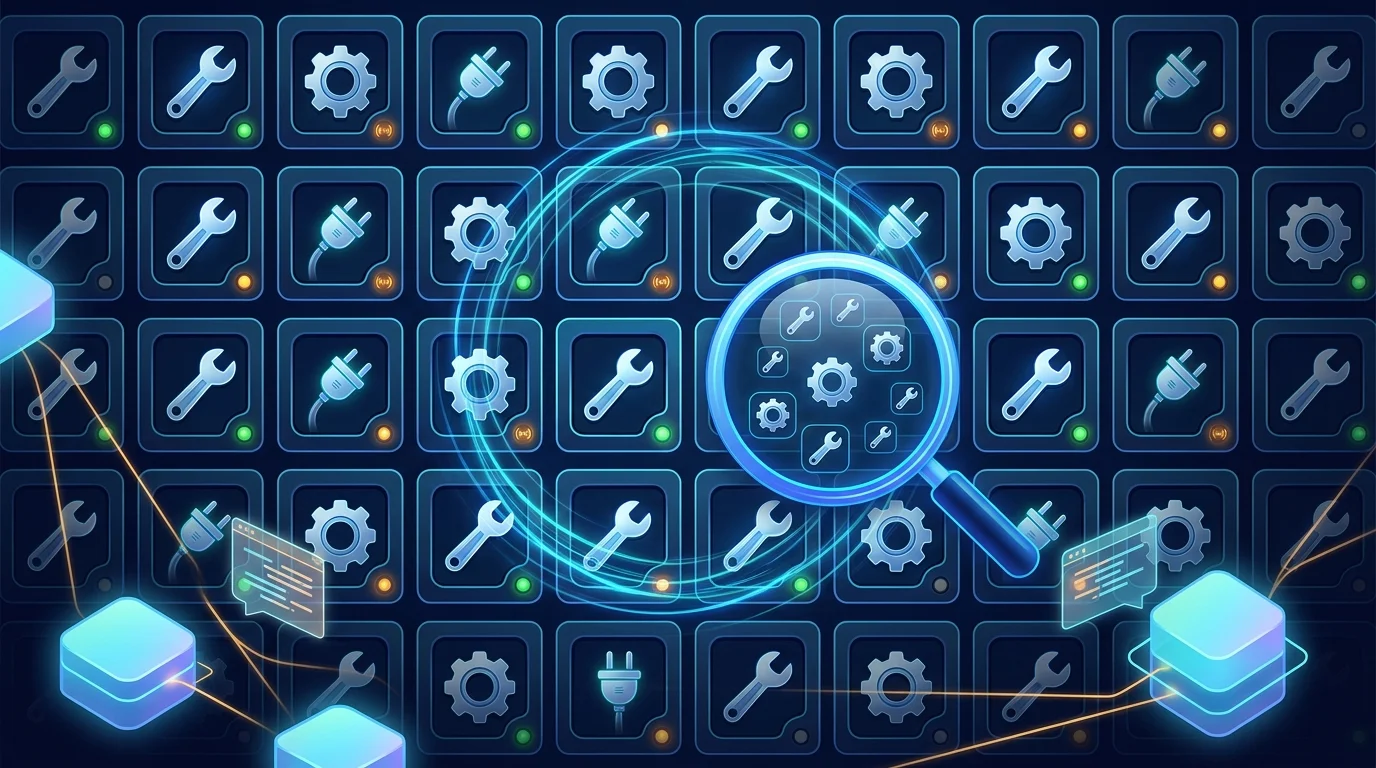
Build Agents
Governed MCP Tool Registry | Botmanor Use Cases
Register and manage MCP servers. Track connections, test tools, and ensure governance before agents act on resources.
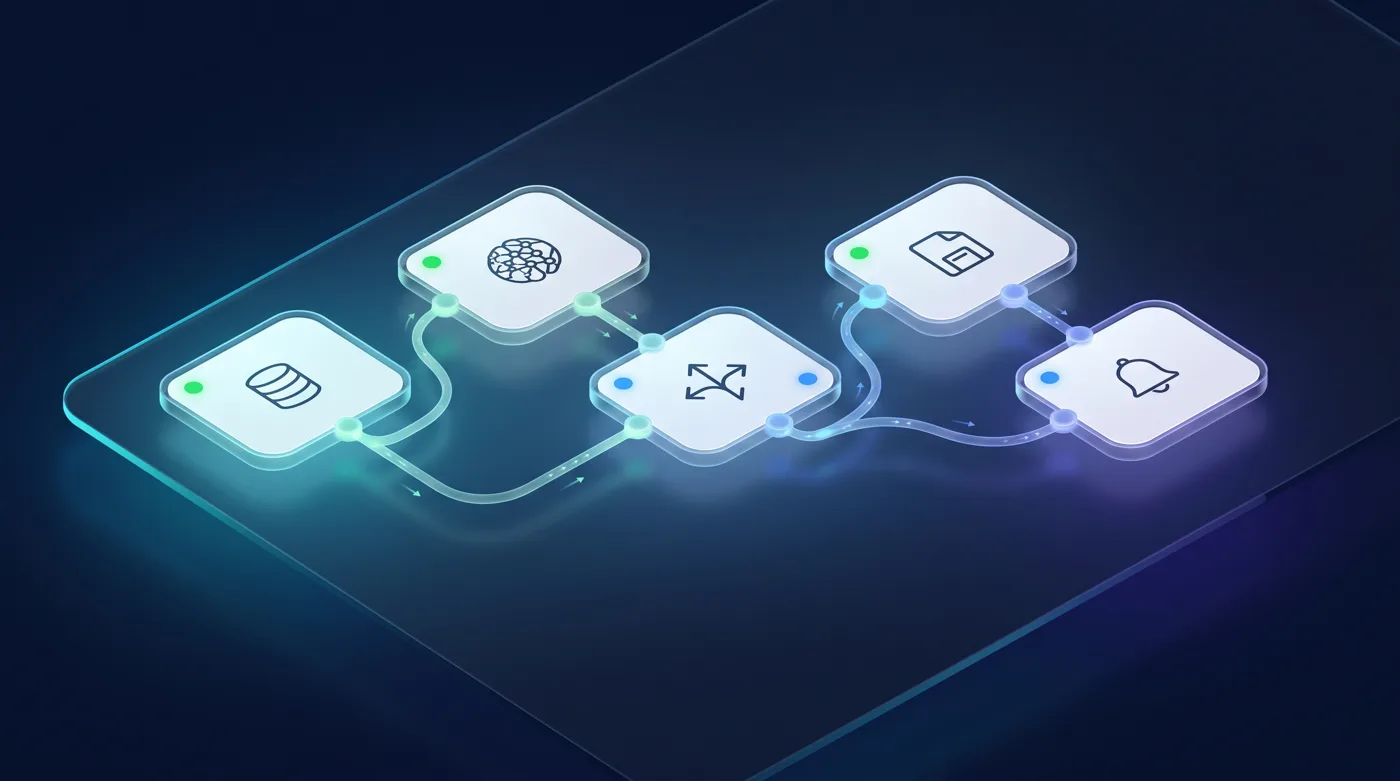
Build Agents
Visual Workflow Automation with Botmanor | Botmanor Use Cases
Compose multi-step automations with the FluidGrids visual workflow builder embedded directly in Botmanor — the same engine used across the Burdenoff platform — then run them and inspect each step, with credential adapters that can hand your LLM keys to agent steps.
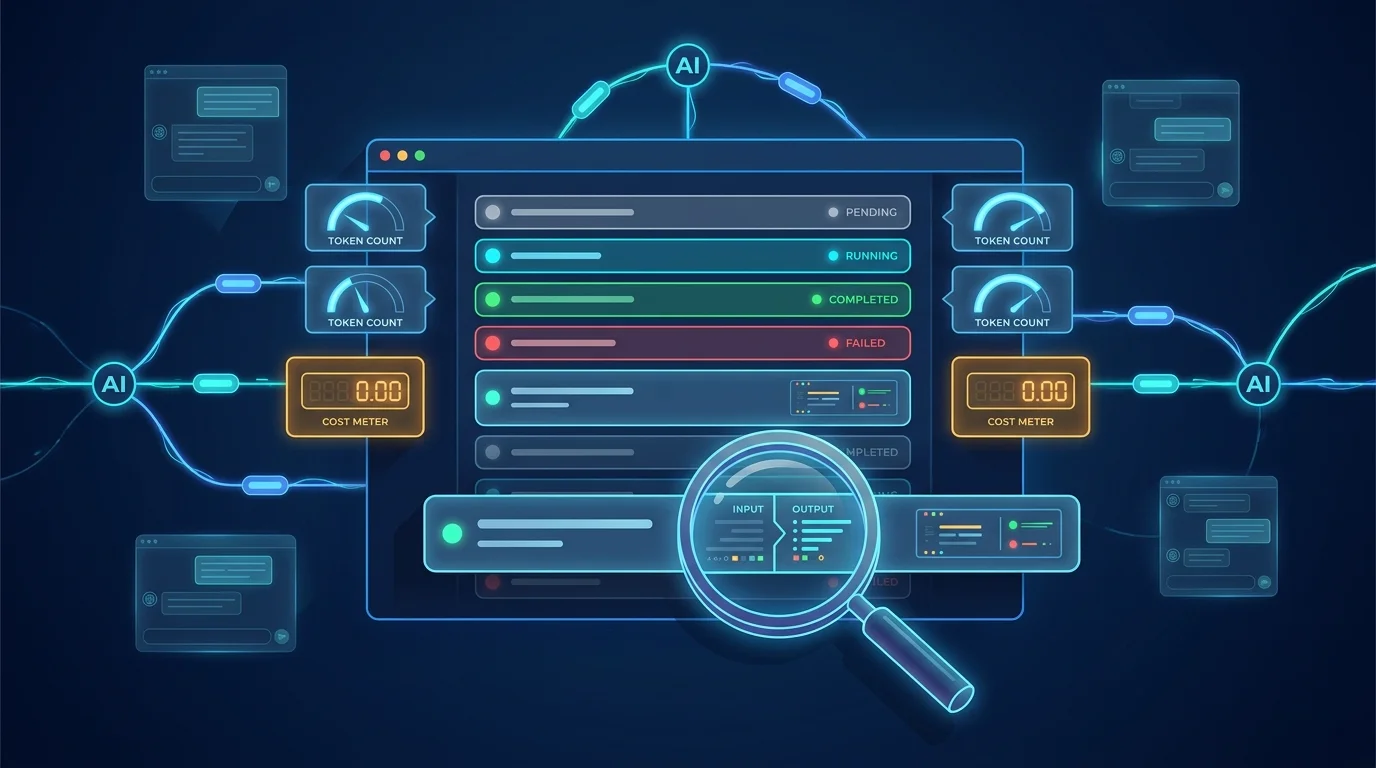
Operations
Execution Analytics for AI Agents | Botmanor Use Cases
Track execution records with token, cost, and model data. Use detailed analytics for debugging and financial insights.
See it running on your own it & operations content
Join the waitlist and we will reach out as onboarding slots open.