An agent's behaviour lives in its system prompt, its model binding, and its configuration — and teams change all three constantly. Without version control, nobody can answer the only question that matters after a bad week: "what changed?"
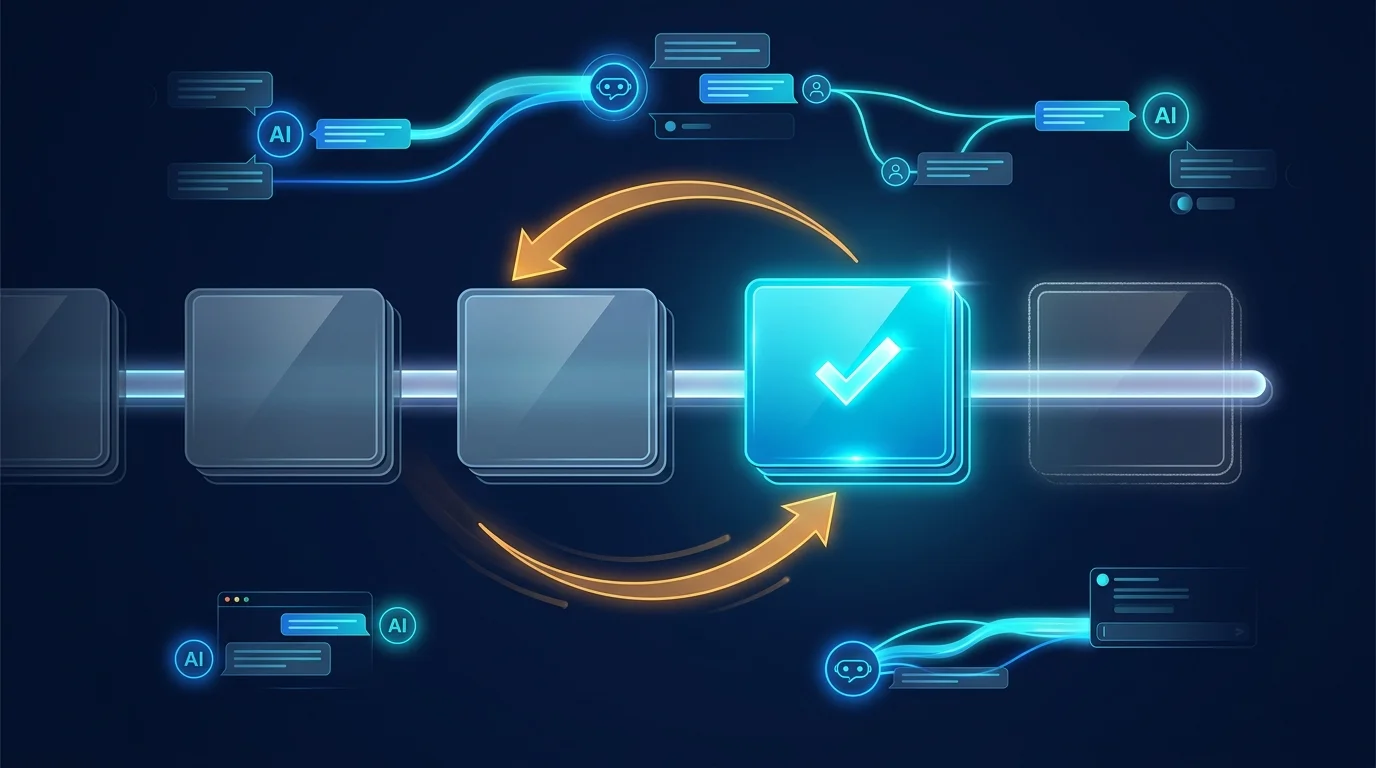
Botmanor treats agents the way you treat code. An agent is an internal AI worker with a system prompt, a model binding, and declared capability flags. You iterate on it in draft, and when it is ready you publish a version — with a changelog entry describing what changed and why. Versions move through draft, published, and historical states, so the lineage of every agent is inspectable.
Rollback is first-class. When the new prompt that looked great in testing starts hedging in production conversations, you roll back to the previous published version — no archaeology through chat exports, no "does anyone have the old prompt?".
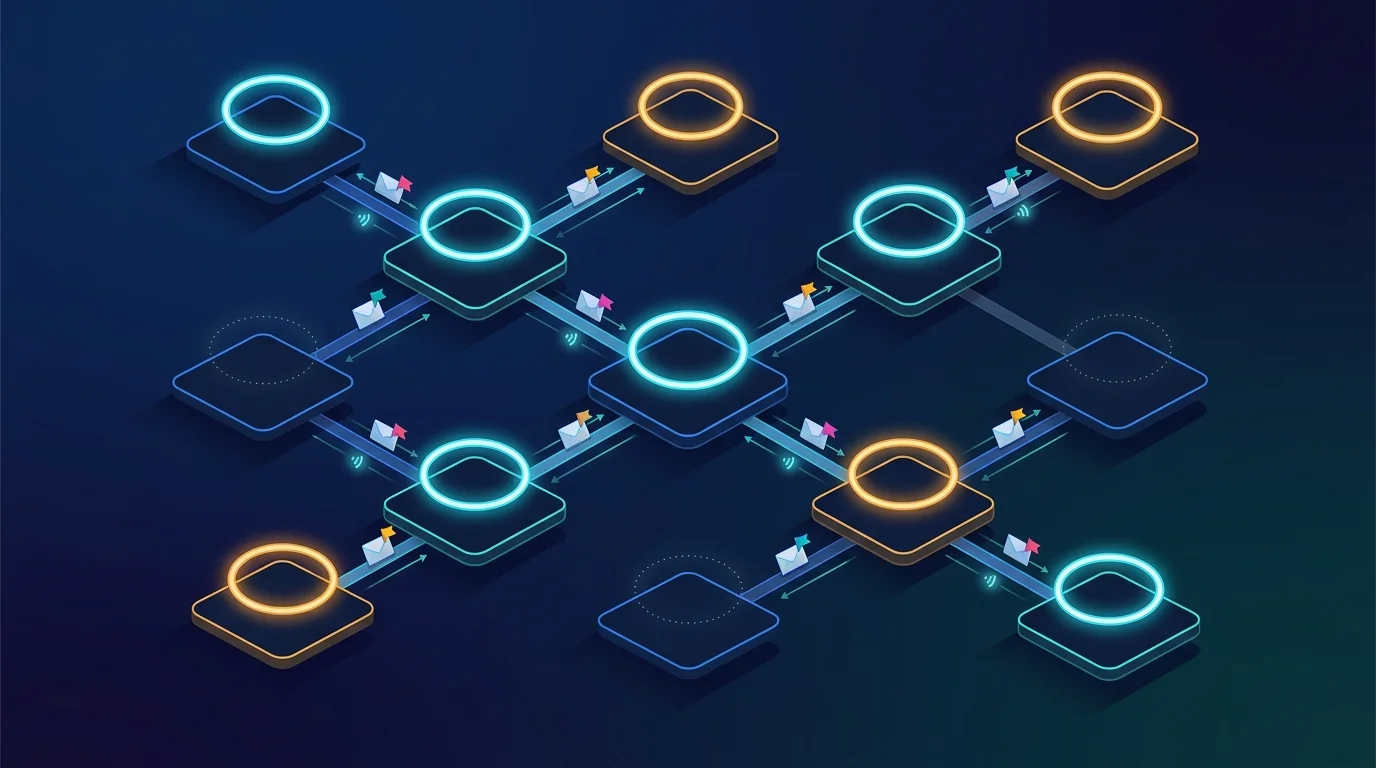
Apps and agents are deliberately separate. The bot app is the user-facing front door; agents are the specialists behind it. App→agent routing links connect them with a declared strategy — single, round-robin, intelligent, or custom — so a "Customer Support Bot" can front a billing agent and a technical agent without users ever knowing the difference. (Routing strategies are stored configuration today; intent-based intelligent dispatch is on the runtime roadmap.)
Each agent also accumulates its own statistics, so when you publish version 7 you can see what it actually did differently from version 6 — grounded in execution records, not vibes.
Do it yourself
Treat an agent like code: iterate in draft, publish a version with a changelog, inspect the version history, and roll back when a prompt change regresses behaviour.
From the Botmanor sidebar open Agents to see your AI workers.
You should see: The Agents list loads with a New Agent button and any agents you have already built.
Ready to make this your story?