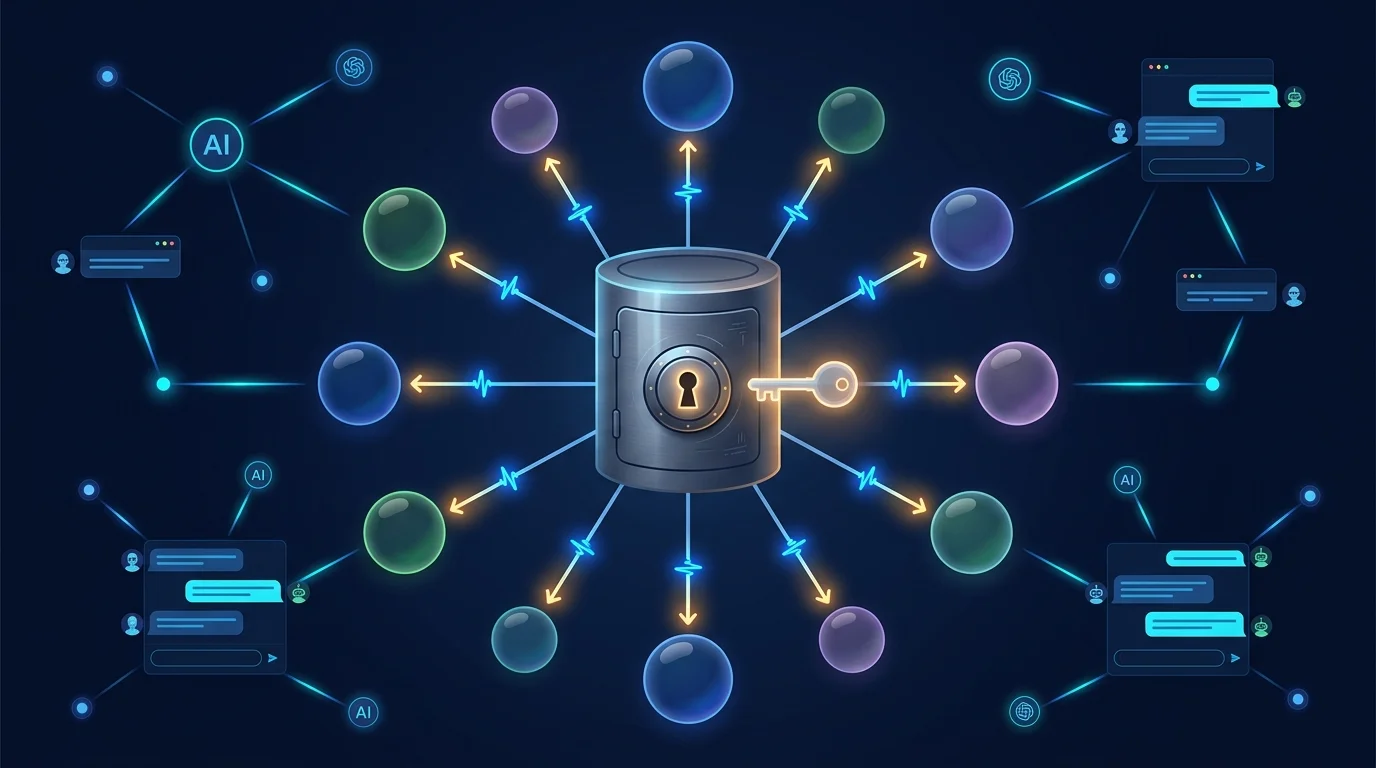
Model strategy is a procurement and risk decision, not a developer convenience — which provider, under whose contract, with what data-processing terms. Botmanor is built bring-your-own-model from the ground up: it never inserts itself between you and your providers.
The provider registry supports 11 provider types: OpenAI, Anthropic, Google, Cohere, Mistral, Groq, Together, HuggingFace, Azure OpenAI, AWS Bedrock, and custom OpenAI-compatible endpoints for anything self-hosted or OpenAI-compatible. Each registration is workspace-scoped, so the sanctioned list is explicit per tenant rather than a global free-for-all.
API keys are vaulted through the platform's integration service — stored once, resolved at execution time, never echoed back in plaintext to the UI or the API. The day a key rotates, you update the integration, not seventeen agent configs.
Every provider supports a connection test before anything depends on it: a real round-trip that proves the credential, the endpoint, and the network path. Models register under their providers with per-model parameters, and agents bind to a specific model — so "move the triage agent to a cheaper model" is a binding change and a published version, with the old version one rollback away.
Execution today speaks the OpenAI-compatible protocol with per-provider base URLs — which is why Groq, Together, Azure OpenAI, and self-hosted gateways work as first-class citizens — and native SDK adapters for the remaining providers are on the runtime roadmap. Either way, the principle holds: your models, your keys, your audit trail of which model ran every single execution.
Do it yourself
Register a sanctioned LLM provider in your Botmanor workspace with a vaulted credential, confirm it is active, and see the model catalogue your agents will bind to — your keys, your contracts, never echoed back.
From the Botmanor sidebar open Settings. The LLM Providers tab is selected by default.
You should see: The LLM Providers panel loads, listing any providers already configured plus an Add Provider form below.
Ready to make this your story?