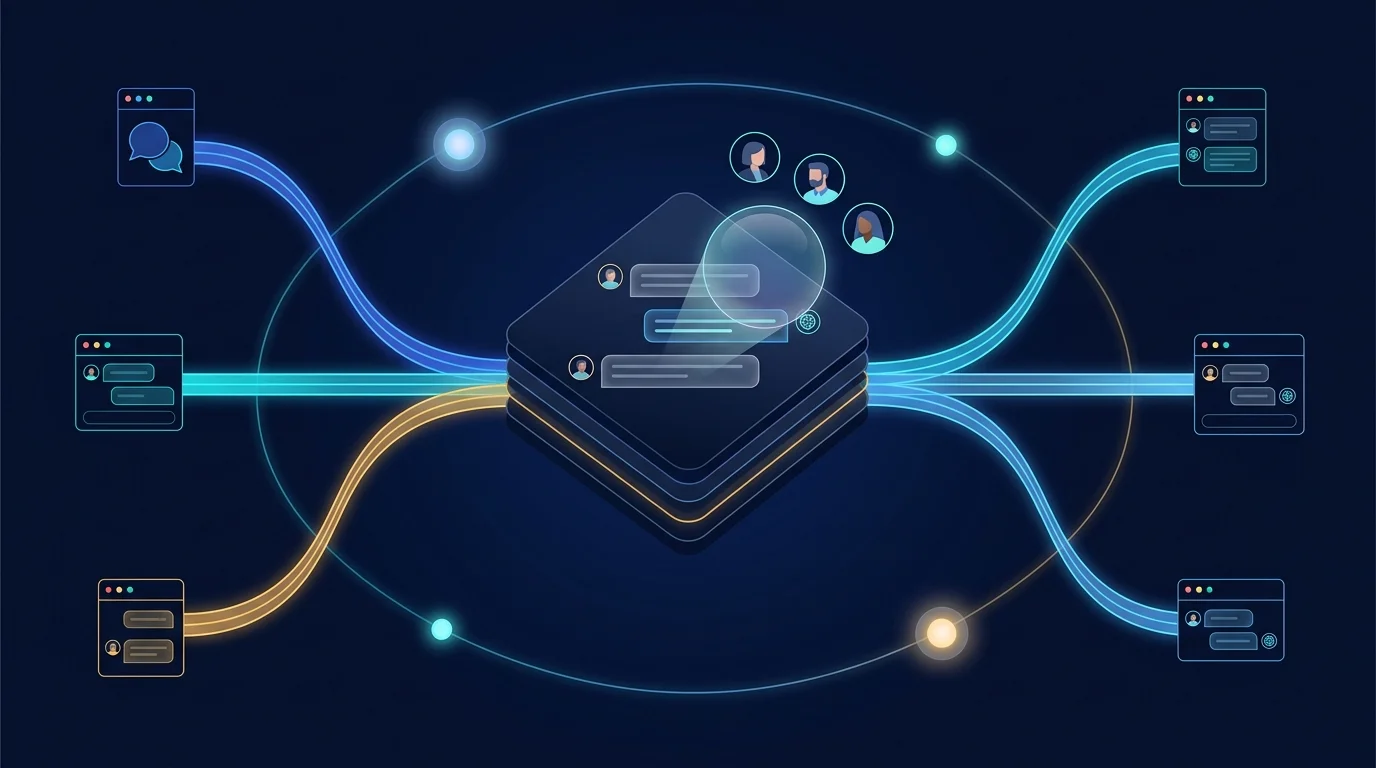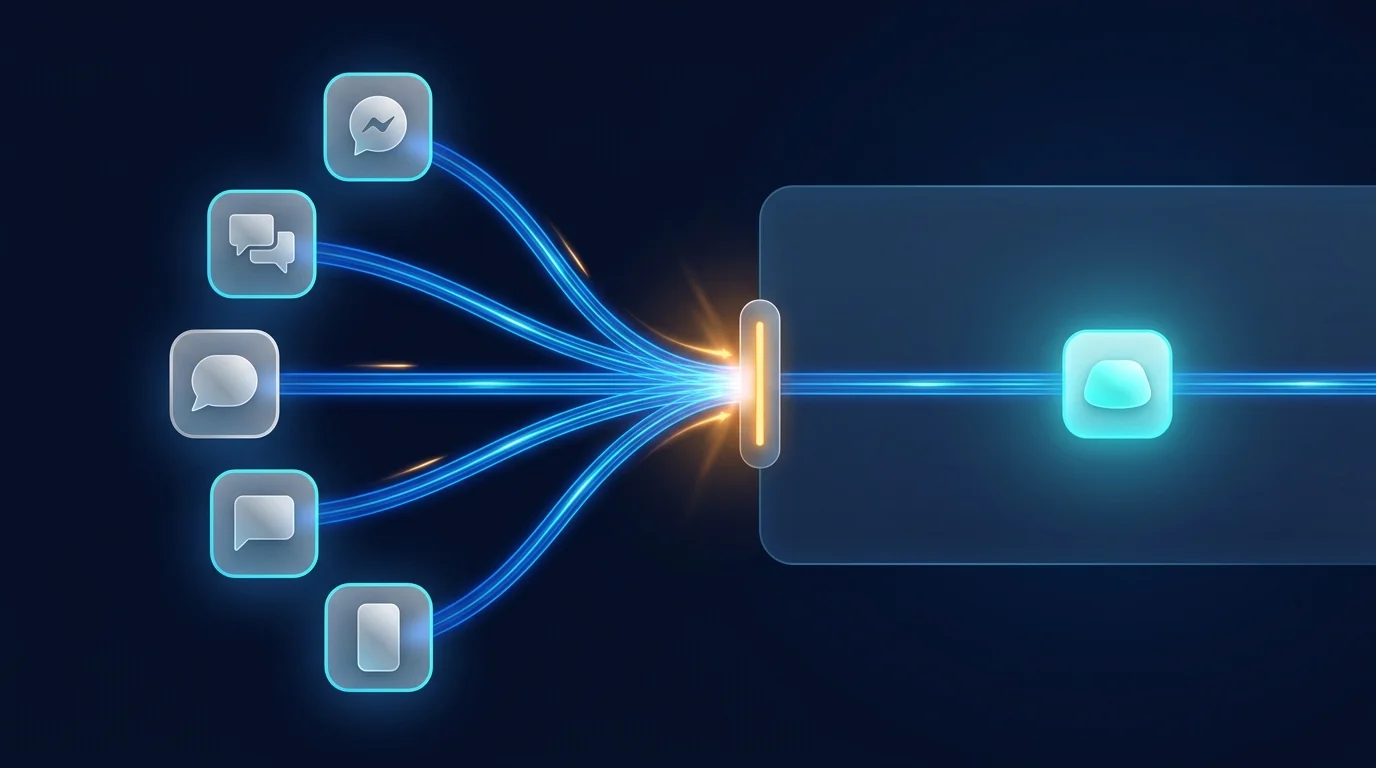
Nobody wants another destination app. The support questions are already in Slack, the employee questions in Teams, the community in Discord — so Botmanor takes agents to the channel instead of the other way round.
The model has two layers. A channel connector binds your workspace to a platform — Slack, Microsoft Teams, Discord, WhatsApp, generic webhooks, or custom integrations. A channel route then maps specific platform channels or threads to a specific bot app, so #support can run the customer bot while #it-helpdesk runs the internal one — same workspace, different front doors.
Inbound handling is engineered for how messaging platforms actually behave. When a message arrives, Botmanor acknowledges the webhook instantly and processes the message in the background — the agent run, with its model call and execution record, never blocks the webhook response. Platforms that retry slow webhooks stay happy, and users never see a delivery failure because an LLM took four seconds to think.
Outbound is symmetric and audit-friendly: when an agent (or a teammate) sends a channel message, Botmanor stores it in the conversation record and delivers it to the platform in parallel — the audit trail and the delivery are never out of sync.
Every conversation, regardless of channel, lands in the same shared team inbox with the same execution records behind every agent reply. (End-to-end delivery rides on per-platform app configuration in the underlying channel service, and an embeddable web chat widget for your own site is on the roadmap — connectors and routes are how you stage for both today.)
Do it yourself
Take a bot app to the channels your users already live in: create a channel connector, configure it, map a route to a bot app, and review every resulting conversation in the shared inbox.
From the Botmanor sidebar open Channels to see your connectors and routes.
You should see: The Channels page loads with your existing connectors and buttons to add more.
Ready to make this your story?